Video not playing? Watch on YouTube.
What this guide covers.
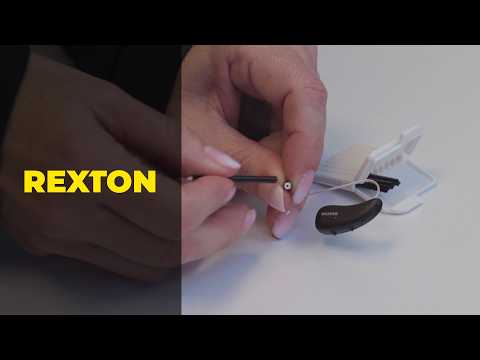
No sound or weak sound? Rexton’s quick fixes before you call us. Follow the video in order, keep removed parts together, and confirm the device is working before you put it back in your ear.
Model-specific care matters.
Rexton devices can use different domes, filters, chargers, receivers, apps, and controls. If the part in your hand does not match the one shown, check your model or ask our team before continuing.
After the video.
Repeat the sequence once without rushing, then test the feature in a quiet room. Make one adjustment at a time so you know which step changed the result. Keep the hearing-aid model name and any accessory name nearby because controls can differ within the same brand. If the result does not match the video, return settings to their prior state when possible and ask for help before forcing a part or repeating a reset.