01
Clean, dry hands
Remove your hearing aids before applying face cream, hairspray, sunscreen, or fragrance. Wash and fully dry your hands before handling the devices.
Your hearing aids work in a demanding place: warm skin, daily moisture, hair products, and earwax. This guide shows you what to do every night, what to check when the sound changes, and when to stop troubleshooting and call us.
2-minute routine. Clean hands, a dry cloth, a soft surface, and the parts made for your exact model.

A dry wipe, a quick visual check, and the correct model-specific parts can prevent many common sound and charging problems.
Do this when you take your hearing aids off, while any wax or moisture is still easy to see. Work over a clean towel or other soft surface so a dropped device is protected.
Remove your hearing aids before applying face cream, hairspray, sunscreen, or fragrance. Wash and fully dry your hands before handling the devices.
Use a soft, dry, lint-free cloth. Wipe the body, earpiece, wire, and any visible charging contacts. Do not soak or spray the device.
Look at the dome or earmold, wax filter, microphone ports, and vent. Use the supplied brush gently—never a pin, needle, or toothpick.
Seat rechargeable aids fully in their charger. For disposable-battery models, turn them off and follow the storage instructions for your model.
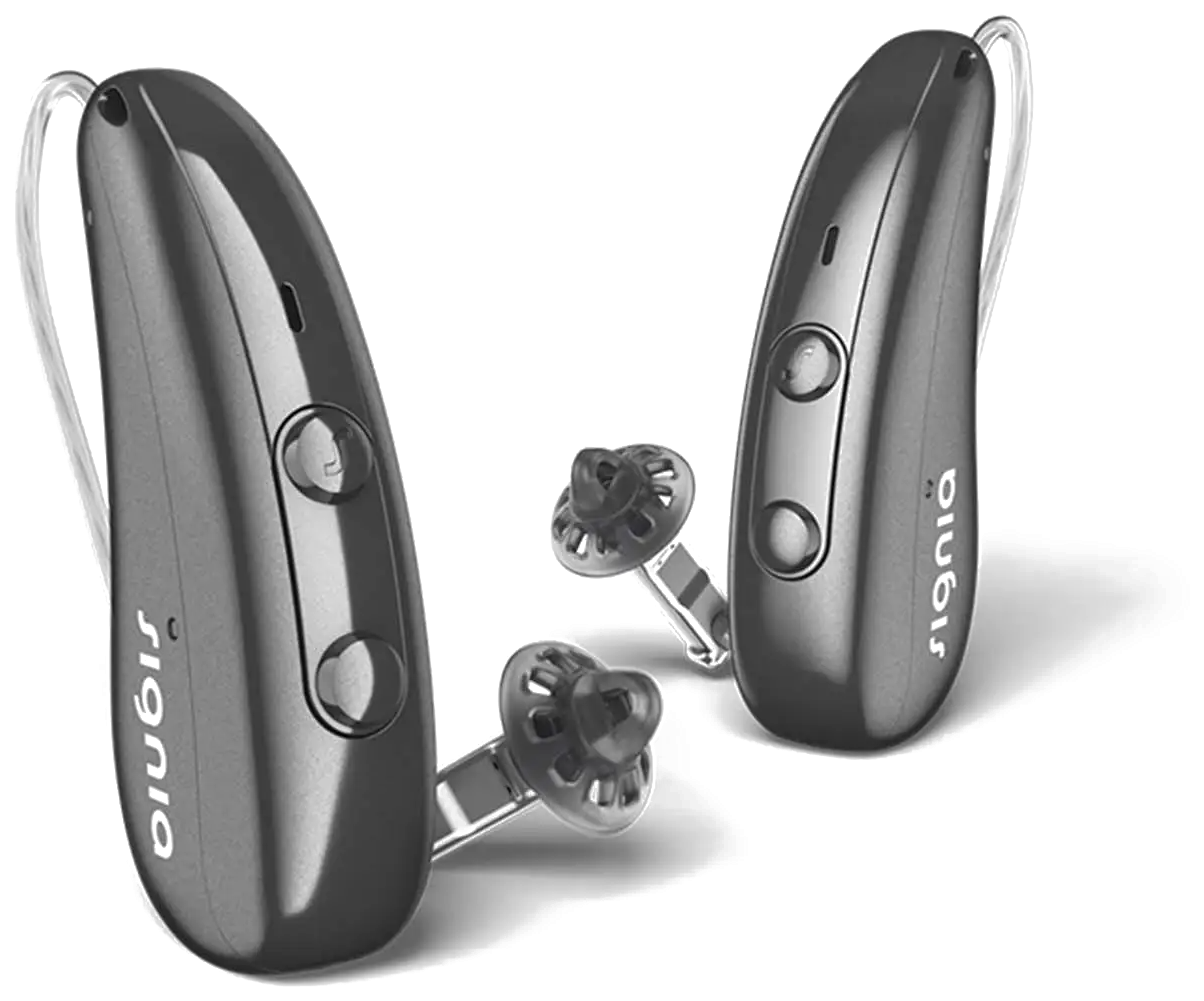
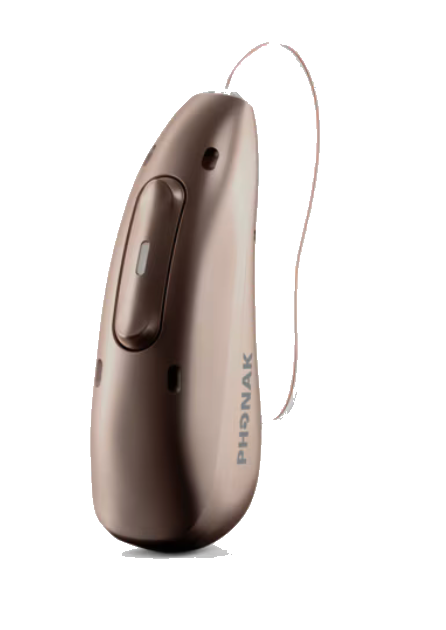
A receiver-in-canal hearing aid has a case behind the ear and a speaker in the ear canal. A custom hearing aid places more of the electronics inside the ear. The cleaning priorities are not identical.
Focus on the dome or custom earpiece, wax filter, microphone ports, thin receiver wire, and charging contacts.
Focus on the sound outlet, wax filter, microphone openings, removal line, vent, shell, and charger contacts if rechargeable.
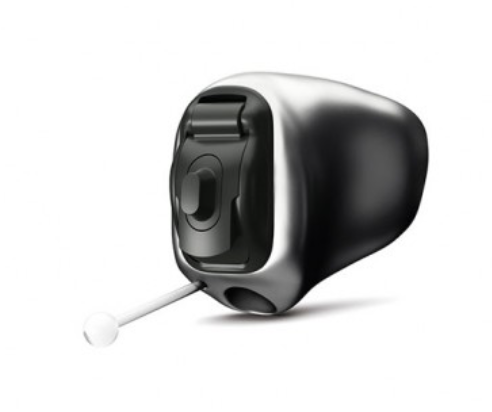
Not sure which model or filter you have? Bring the hearing aid or charger to the office, or send us a clear photo. Using the wrong dome, filter, receiver, or charger insert can create a fit or performance problem.
Official manufacturer images of prescription hearing-aid examples. These photographs identify the models shown, not a recommendation for your hearing or a guarantee of availability.
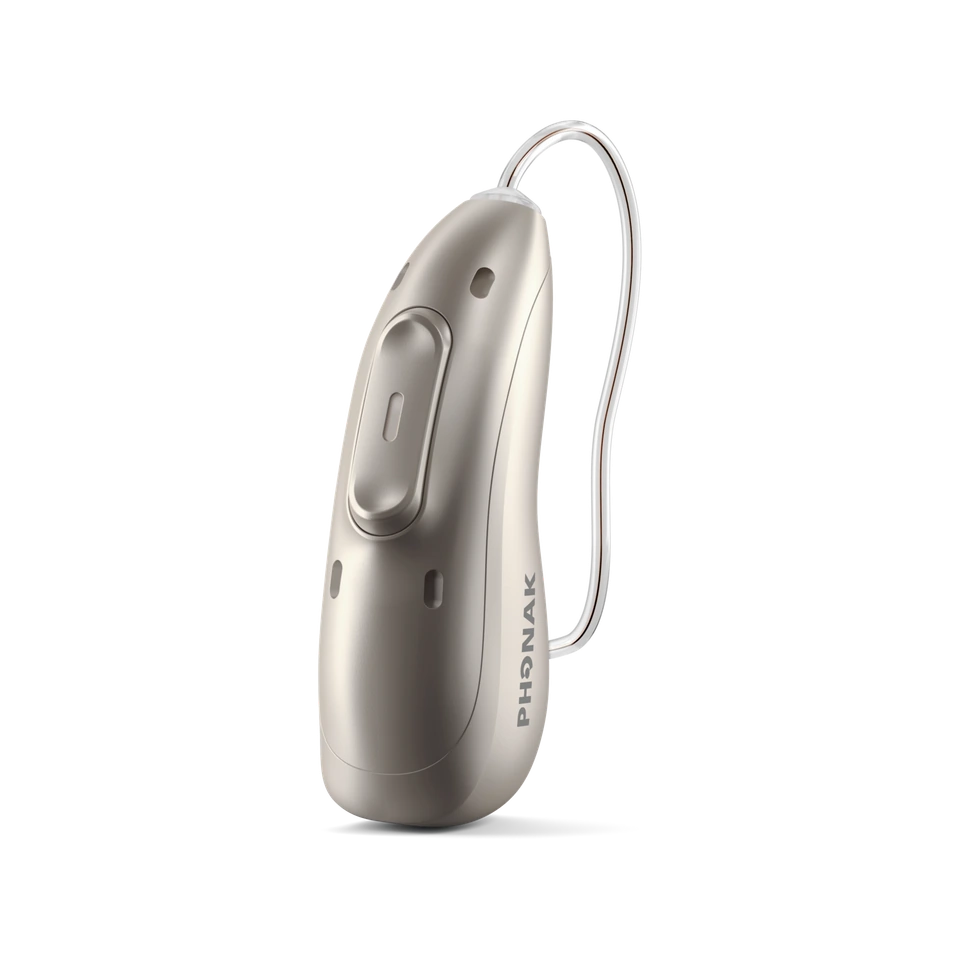
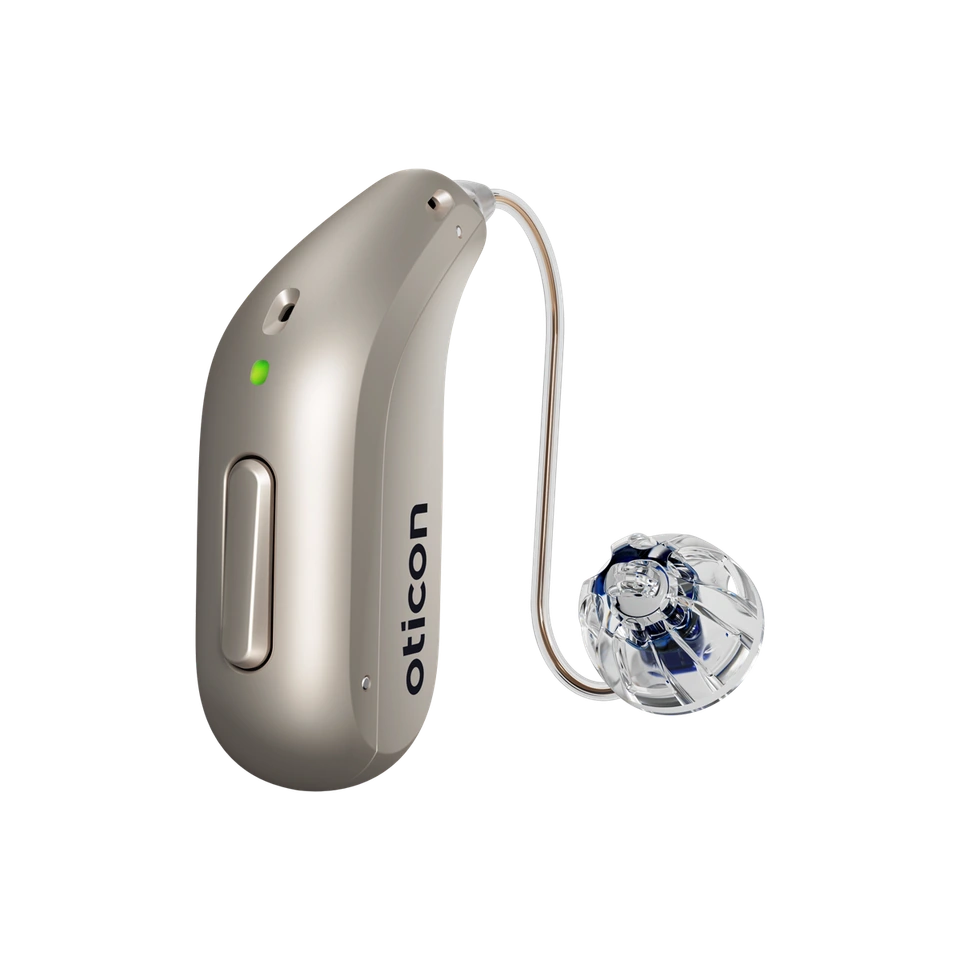
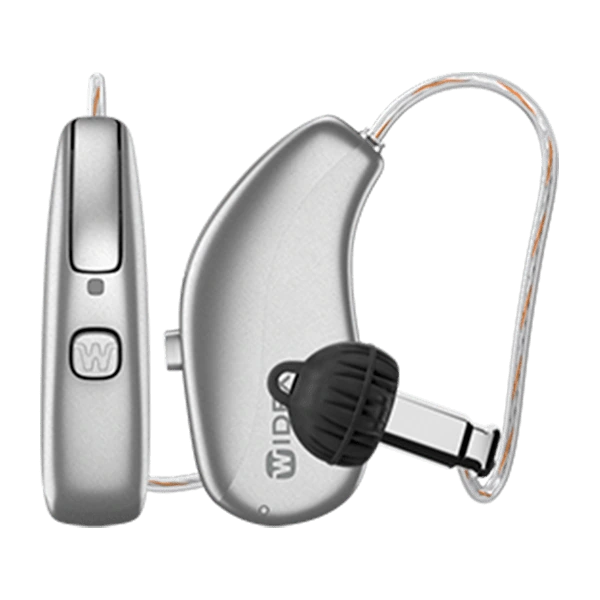
Rechargeable and disposable-battery devices need different handling. Both should stay away from excess heat, liquid, steam, and unapproved charging equipment.
Turn the hearing aid off when not in use. Replace dead batteries promptly, keep batteries away from children and pets, and do not force a door that will not close—the battery may be upside down or the wrong size.
Remove the hearing aids from the moisture, turn them off if appropriate for your model, wipe them dry, and use an approved drying system. Never use a hair dryer, microwave, oven, radiator, or direct sunlight. Call us after submersion or if sound does not return to normal.
Most sudden “device failures” begin with a blocked sound path or incomplete charge. Check these items before assuming the hearing aid needs repair.
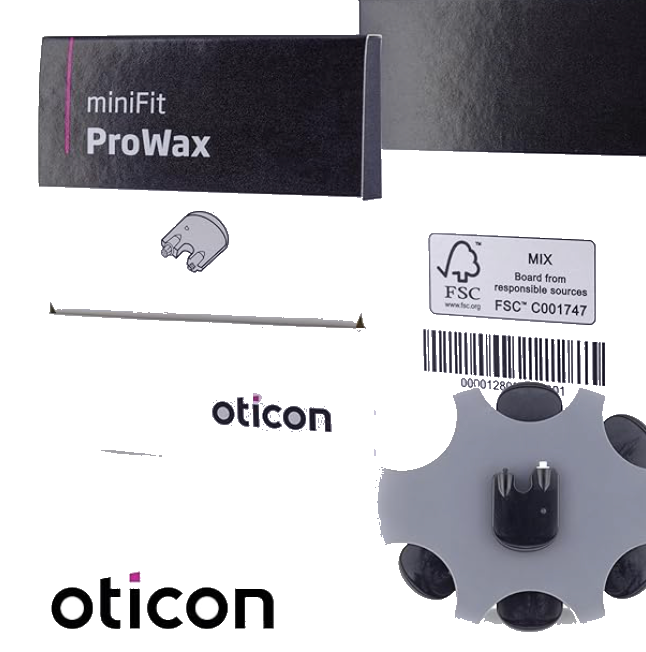
The small filter protects the receiver or sound outlet. Replace it when clogged, when sound is weak or unusual, or on the schedule for your model. Use the exact filter type your audiologist supplied.
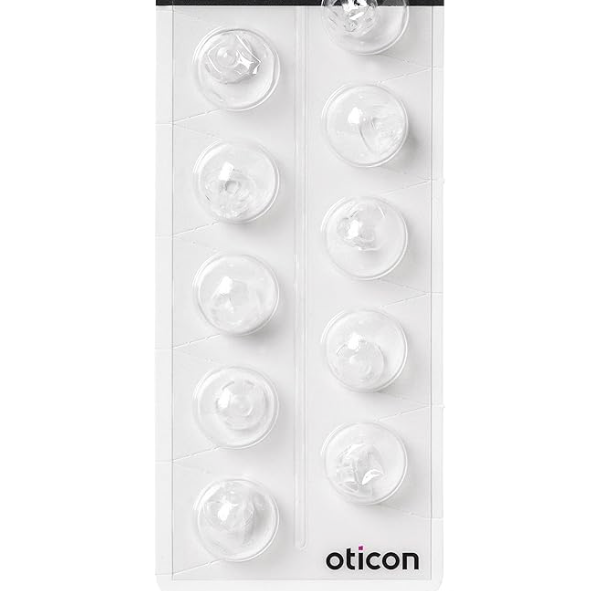
Wipe the surface daily and replace a dome that is wax-filled, split, stretched, hardened, loose, or discolored. Never reuse a disposable dome that has detached from the hearing aid.
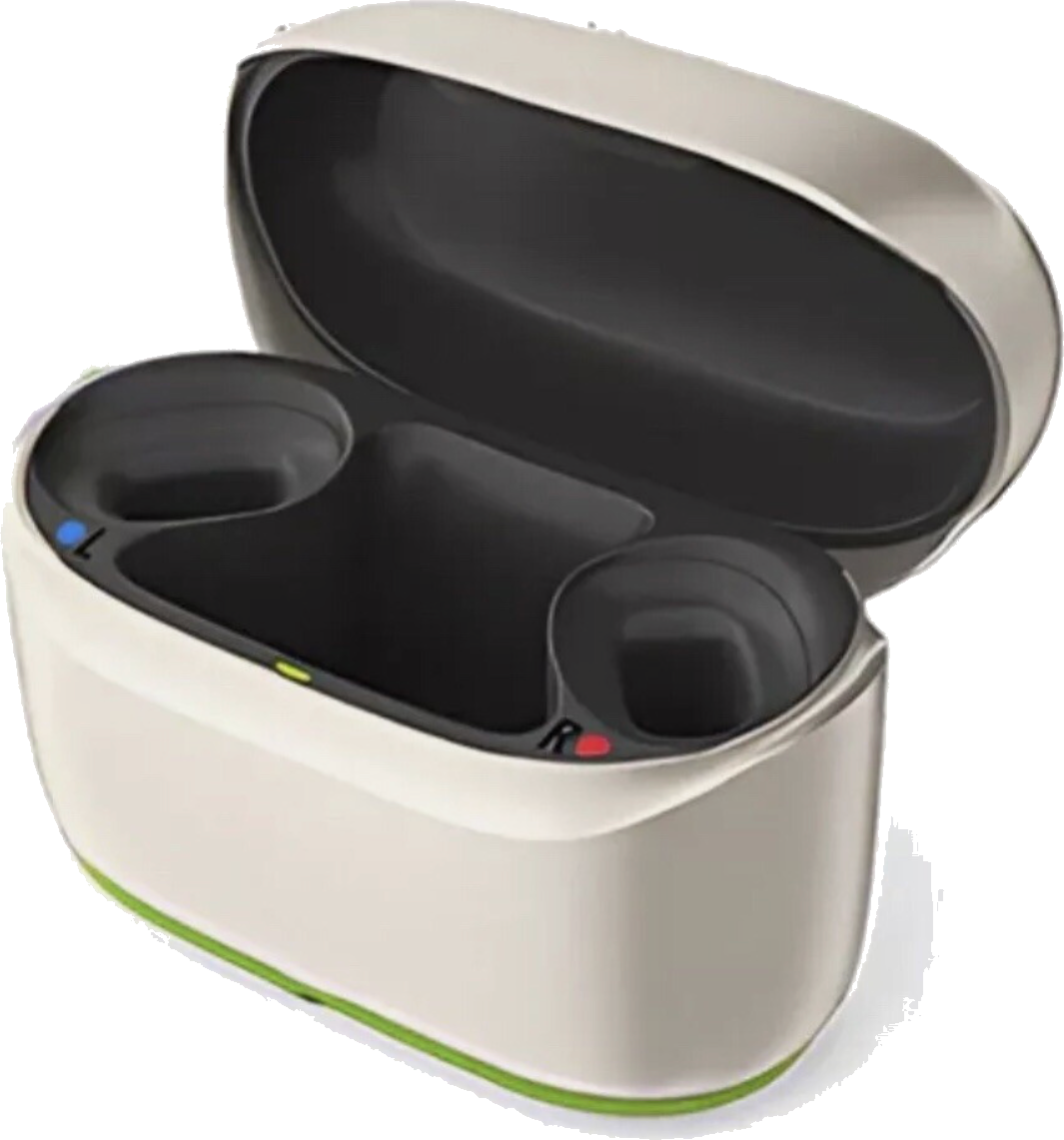
Keep charger wells, inserts, and visible contacts free of debris. Disconnect power before cleaning the charger and use only the method approved for your model.
Exterior, earpiece, sound outlet, microphone ports, contacts, and charger seating.
Confirm that you have the correct filters, domes, brush, drying supplies, and charging cable.
Change compatible filters and domes when clogged, damaged, loose, or on your model's schedule.
Deep cleaning, receiver and microphone checks, physical-fit review, and programming when indicated.
Work slowly and change one thing at a time. That tells you what solved the problem—and prevents accidental damage from over-cleaning or using the wrong part.
Your site already includes more than 150 manufacturer and model-specific videos. Start with the care video below, then use the complete library for charging, filters, domes, insertion, apps, Bluetooth, and accessories.
A compact care kit prevents a small maintenance issue from becoming a lost day of hearing—especially away from home.
General care is useful; the instructions for your exact model are decisive. When in doubt, use the video library or call before forcing a part.
Wipe the exterior every night and inspect the sound outlet, dome or earmold, microphone openings, and charging contacts. Replace components according to their condition and the instructions for your exact model.
Link to this answerDo not use water, household cleaners, solvents, or alcohol unless the manufacturer instructions for your exact device specifically permit a product. A soft, dry cloth is the safest default. Never immerse a hearing aid or custom earpiece that contains electronics.
Link to this answerWeak, muffled, distorted, intermittent, or absent sound can be caused by a blocked filter. Compare its surface with a new filter, if available. Replace it only with the exact compatible type and stop if the tool does not fit easily.
Link to this answerInspect domes regularly and replace them when wax-filled, split, stretched, hardened, discolored, loose, or on the schedule for your model. Domes are not universal; use the style and size chosen for your fitting.
Link to this answerRemove it from moisture, turn it off if appropriate for your model, wipe it dry, and place it in an approved drying system. Do not apply heat. Call after submersion, saltwater exposure, or if performance does not return to normal.
Link to this answerReseat the device and check that the dome or earmold is fully attached and undamaged. Persistent feedback can reflect a physical-fit issue, a blocked sound path, wax in the ear, or the need for a programming adjustment.
Link to this answerNo. These components are model- and fitting-specific. The wrong part can affect sound, retention, comfort, and protection of the receiver. Use the packaging or part number supplied by your audiologist.
Link to this answerCall when cleaning and charging do not restore normal sound, when a receiver wire or shell is damaged, when feedback persists, or when the device is intermittent. Stop wearing it and call promptly if it is painful, unusually hot, or has a loose piece.
Link to this answerWe can inspect the hearing aids, identify the compatible parts, clean and test the devices, review physical fit, and determine whether the next step is maintenance, repair, or an adjustment.